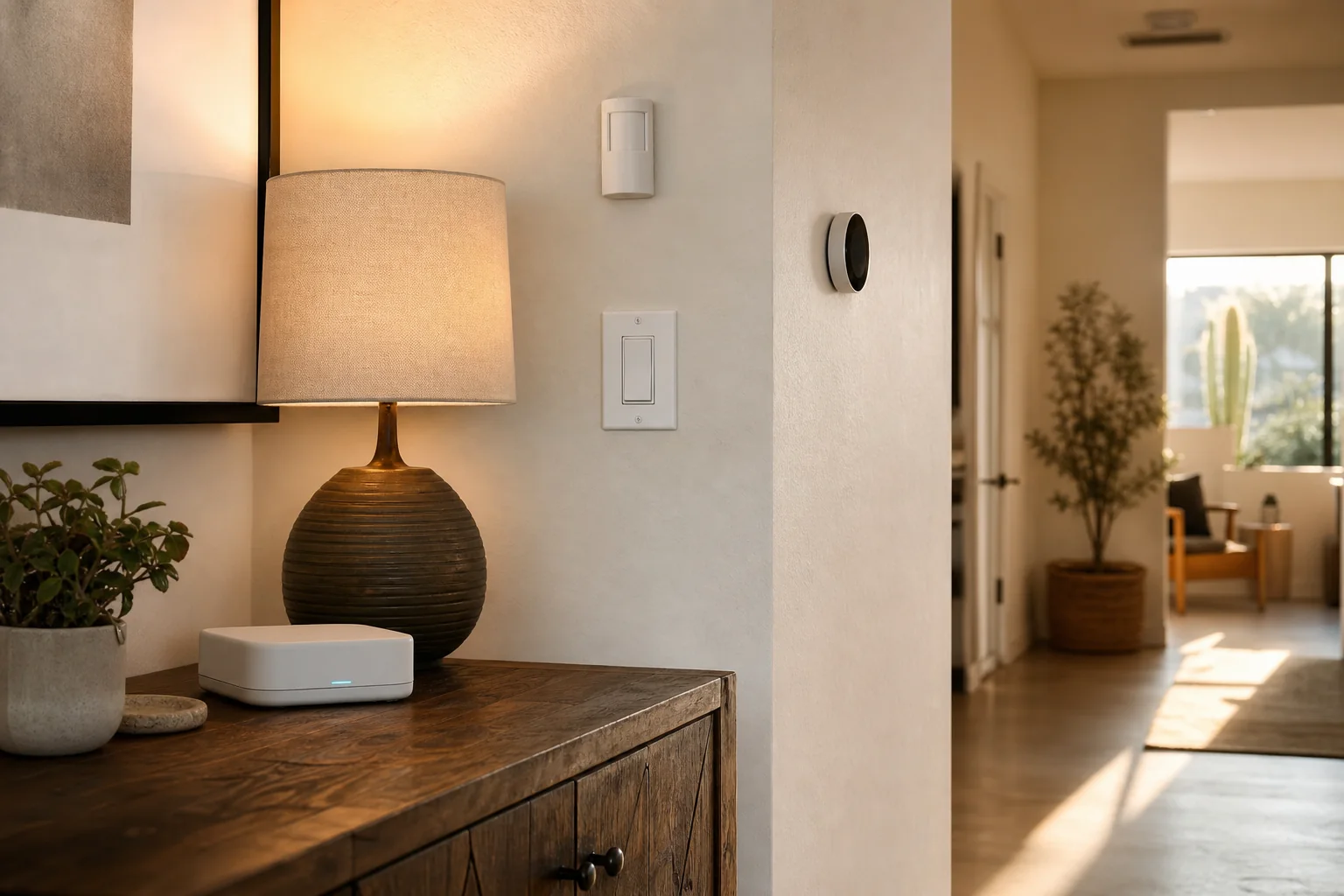
The best way to start a smart home is not to buy a pile of devices. Pick one recurring problem—lights left on, an awkward thermostat schedule, a door you want to monitor, or a routine you repeat every day—and solve that well.
I’m Joe Machynia, the owner and solo operator of HandyMack in northwest Phoenix. I install individual smart devices and build larger Home Assistant setups. This is the same planning order I use before anything gets mounted or paired.
Start with the result, not the brand
Write one sentence describing what you want the house to do.
- “Turn the porch lights on at sunset.”
- “Make the hallway easier to navigate at night.”
- “Let me know when the side gate opens.”
- “Stop adjusting the thermostat manually every morning.”
- “Give the family one dependable way to control the living room.”
A clear result keeps the project grounded. It also makes it easier to decide whether a simple schedule, a manufacturer app, Alexa, Apple Home, Google Home, or Home Assistant is the right level of system.
Choose a control platform before choosing devices
A platform is the place where devices, scenes, and automations come together. The right answer depends on how much control you want and how much complexity you are willing to maintain.
For a few mainstream devices, the platform already used by your household may be enough. For a larger system, I prefer Home Assistant because it can bring many brands together and prioritize local control. Home Assistant’s official getting-started guide explains that it runs on hardware in the home and can keep home data local.
Matter can make cross-brand shopping easier for supported device categories, but the logo is not a promise that every feature works identically in every platform. The Connectivity Standards Alliance describes Matter as an IP-based interoperability standard. I still verify the exact device, controller, feature, and network requirement before buying.
Pick a first project you will notice every day
Lighting
A porch schedule, an evening scene, or a pathway light can be a good first automation because the result is obvious. Physical switches should remain understandable for family members and guests.
Installing and configuring a compatible device is in my lane. Adding new line-voltage wiring, changing a circuit, or doing work that requires a permit belongs with a licensed electrician.
Thermostat routines
A programmable or smart thermostat can adjust temperatures around home, away, and sleep schedules. The U.S. Department of Energy describes how programmable and smart thermostats can change settings based on schedules or occupancy.
Compatibility comes first. HVAC equipment, wiring, power requirements, and utility programs vary. I do not guess at thermostat wiring or alter HVAC systems outside my scope; I bring in or refer the licensed trade when the job requires it.
Doorbells, cameras, locks, and sensors
These devices are useful when the notification and access rules are planned before installation. Decide who should receive an alert, who can view a camera, what happens when the internet is down, and how a guest gets in without needing a tutorial.
For cameras in particular, placement, account security, storage, and network coverage are part of the project—not afterthoughts.
Build dependable automations
A good automation has four parts:
- Trigger: What starts it—time, motion, a door opening, or someone arriving?
- Conditions: When should it not run?
- Action: What should happen?
- Fallback: How does a person control it when the automation does not?
I keep names plain, group related devices logically, and avoid routines that surprise people. “Hall light after dark” is easier to maintain than an unexplained list of device IDs.
Home Assistant can be powerful, but the first goal is reliability. I would rather hand over three useful automations than thirty fragile ones.
Protect the network and accounts
Every connected device adds an account, an update responsibility, or both. The FTC’s smart-device guidance recommends changing default credentials, using two-factor authentication when available, enabling security features, and keeping firmware current.
My practical checklist is:
- Use a unique password for each major account.
- Turn on two-factor authentication where the vendor offers it.
- Keep the router, hubs, apps, and devices updated.
- Review who has household or administrator access.
- Disable remote features you do not use.
- Keep a simple list of hubs, controllers, and recovery details.
- Consider a separate device or guest network when the router supports it and the setup remains manageable.
Privacy should be decided room by room. A camera pointed at a private interior space deserves a different conversation than a sensor on a side gate.
Plan for Phoenix conditions
Outdoor devices need manufacturer-published operating temperatures and weather ratings that fit the installation location. Shade under an eave can be very different from direct afternoon sun on a west-facing wall.
Network coverage also has to reach the actual device location. I test at the door, garage, patio, or gate before assuming a camera or controller problem.
Frequently asked questions
Do I need Home Assistant to have a smart home?
No. A few compatible devices may work well in Apple Home, Google Home, Alexa, or the manufacturer’s app. Home Assistant becomes valuable when you want deeper local control, more cross-brand coordination, or automations that outgrow a basic ecosystem.
Should I buy Matter devices only?
Matter is a useful compatibility signal, not the only buying criterion. Confirm that the product supports the feature you need in the controller you plan to use.
Can smart devices work when the internet is down?
Some devices and platforms support local control; others rely on a vendor cloud. The answer is product-specific. I check that dependency during planning instead of assuming.
Can you install smart switches or thermostats?
I can install and configure compatible devices when the existing wiring and work are within my handyman and tech scope. New wiring, circuit changes, HVAC work, permitted work, and other licensed-trade tasks are referred to the appropriate contractor.
What should my first automation be?
Choose a routine you already perform every day and make sure there is still a clear manual control. Lighting schedules and simple reminder or notification routines are often easier first projects than a whole-home build.
Ready to map out the first project?
A dependable smart home starts with a dependable network, so use my home Wi-Fi troubleshooting guide if devices already drop offline.
See Smart Home Setup for individual devices or Home Automation for a Home Assistant system. HandyMack serves the Phoenix North Valley and nearby communities. Request a quote with the result you want, the devices you already own, and the platform your household uses. I can map the smallest useful first step from there.