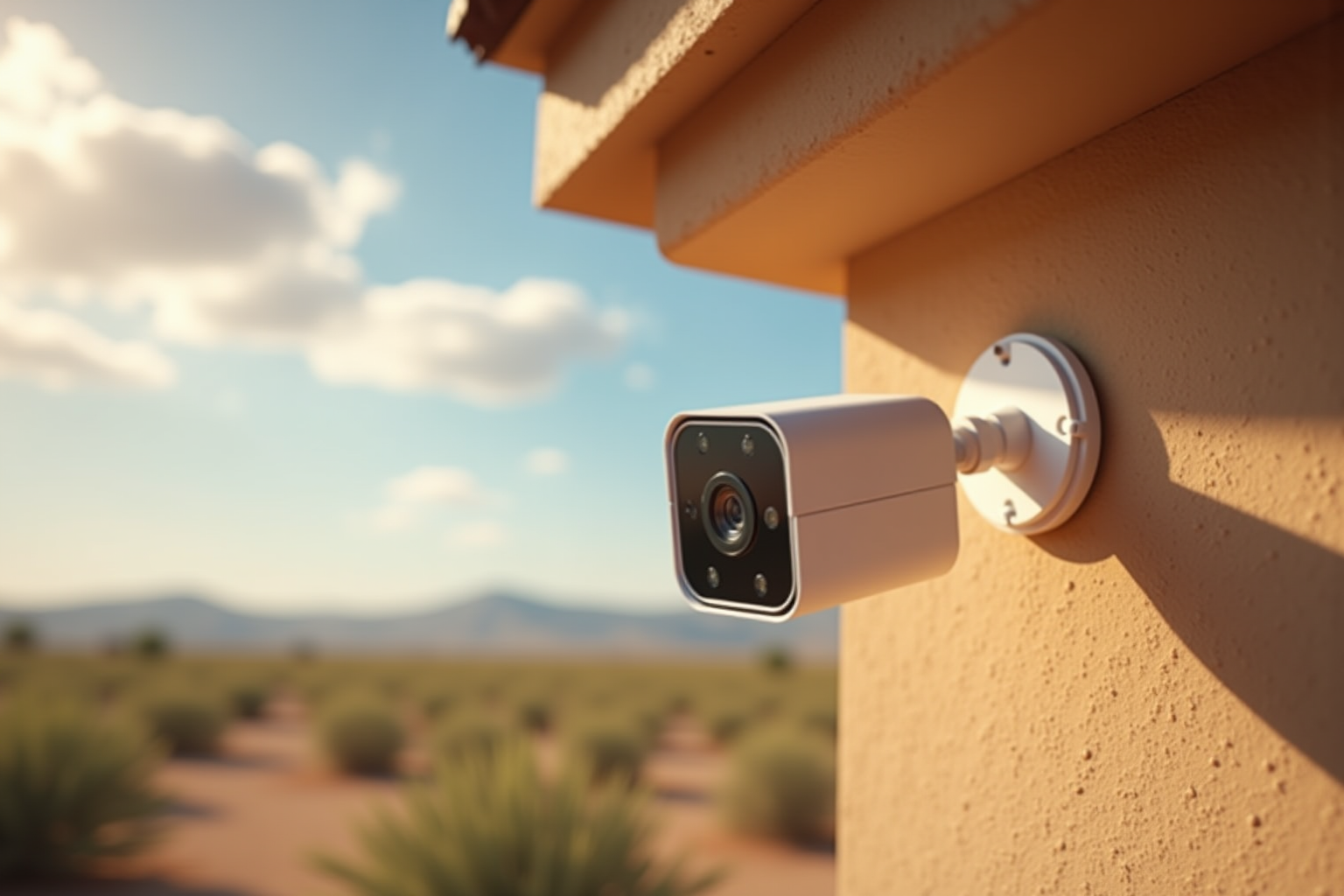
Every August I get the same two calls. The doorbell camera went dark, or the Wi-Fi drops every afternoon around the time the storms roll in. People assume the device died and they need to buy a new one. Usually that is not what happened.
Phoenix summer does not take out your electronics all at once. Heat and dust work on them in a certain order, and if you know that order you can catch the cheap problem before it becomes the expensive one. What tends to fail first, and why, follows below.
Outdoor cameras and doorbells go first
Anything mounted outside takes the worst of it: direct sun, attic-adjacent wall heat, and the fine dust a haboob packs into every seam. A west- or south-facing exterior wall in Phoenix can stay above 150 degrees for hours on an August afternoon. That dust settles into the gasket around a camera lens and the mounting plate long before the rain shows up. Then the first real monsoon storm pushes moisture in behind it.
So a doorbell or backyard camera that starts dropping offline in July is often not a dead camera. Three things fail more often than the camera itself:
- The mount or gasket, once dust breaks the seal.
- The power, especially a low-voltage doorbell transformer that was already marginal.
- The Wi-Fi reaching it, which gets weaker as heat makes the whole network work harder.
Before you replace the unit, check those three. A camera swap does nothing if the real problem is the signal or the power feeding it. I have swapped plenty of "broken" cameras only to find the old one would have worked fine with a fresh gasket and a better-positioned access point.
Wi-Fi gear in a hot room is next
Routers and mesh nodes throttle themselves when they overheat. If your equipment sits in a closed cabinet, on top of a cable box, or in a west-facing room that hits the high 80s indoors by afternoon, it will slow down or reboot exactly when you are using it most.
The tell is timing. If the internet is fine in the morning and unreliable by mid-afternoon, that is a heat pattern, not your internet provider. Move the gear out of the cabinet, off other warm electronics, and into open air, and a lot of "slow Wi-Fi" complaints go away on their own. If the cabinet is the only option, a small fan pulling air through it makes a real difference.
Power flickers do quiet damage
Monsoon season flickers the power across the North Valley several times on a stormy night. APS and SRP both see their highest storm-related outage calls in July and August. Each flicker is a small surge, and surges do not usually kill a device in one shot. They wear down the circuit boards inside your TV, your refrigerator, the garage door opener, and your network gear over weeks.
A couple of real surge protectors at the right outlets, rated in joules and not just a cheap power strip, cost less than one replaced appliance control board. The refrigerator and the home network are the two most worth protecting, because those are the failures that cost you food or a work-from-home day. The garage door opener is third on my list, because the control boards on those are expensive and the fix is inconvenient in a way that always seems to happen on a 115-degree day.
Dust is the part people forget
Dust does not just coat cameras. It packs into the places that move air:
- The dryer vent, where haboob dust mixes with lint and chokes the airflow. Local fire departments flag dryer vents as one of the most common house-fire causes every summer, and Phoenix monsoon season makes the lint-and-dust combination worse than most places in the country.
- Ceiling fan motors and bathroom exhaust fans, which run louder and hotter as they clog.
- The return-air grille and filter on your AC, which is working hard enough already in a Phoenix August.
None of that is dramatic on any single day. It is the slow version of the same problem: heat and dust wearing on anything that runs, until something finally stops.
What you can check yourself this week
You do not need me for most of this. In fifteen minutes you can:
- Wipe the lens and gasket on every outdoor camera and doorbell, and confirm each one still shows a live view in the app.
- Pull your network gear out of any closed cabinet and give it open air.
- Look behind the dryer vent hood outside for packed lint and dust.
- Check that your refrigerator and your router are on a real surge protector, not a basic strip.
- Take a quick look at your garage door opener's response time. If it hesitates before moving, the control board may already be degraded.
If something is already failing, that is where I come in. I handle the tech side and the handyman side in the same visit, so a flaky camera, the Wi-Fi dead zone feeding it, the surge protection, and the dryer vent are one appointment, not four separate callouts.
HandyMack serves the Phoenix North Valley, including Stetson Valley, Deer Valley, Peoria, Surprise, Sun City, and Glendale. Book a visit, send a few photos of what is acting up, and I will tell you what actually needs fixing before you spend money on a replacement.