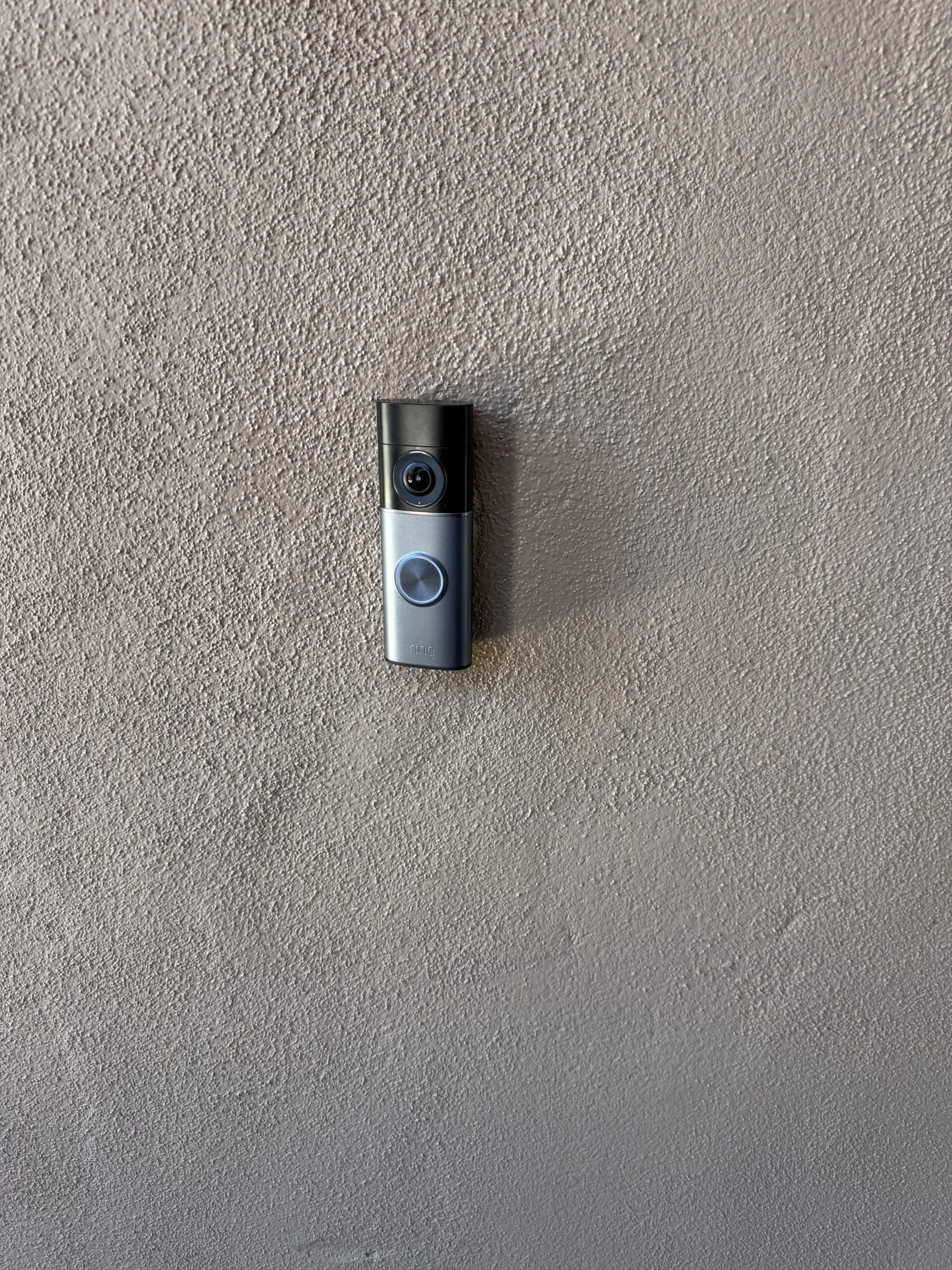
Here is a call I get a lot: someone bought a good camera, mounted it over the garage or at the back gate, and it keeps dropping offline. They are ready to return it and buy a different brand. Nine times out of ten the camera is fine. The Wi-Fi that far from the router is not.
A security camera is only as good as the signal feeding it. If you plan the camera and the network as one job instead of two, you avoid the most common way home security setups fail in Phoenix.
The camera is only as good as the Wi-Fi behind it
A camera has to do two hard things at once: hold a steady connection and push video back over that connection. Both need real signal, not the one bar that still lets your phone load a text message. When the signal is weak, the camera looks broken. It goes offline, misses motion clips, or shows a frozen frame right when you want to see what set off the alert.
That is why swapping the camera rarely fixes a dropout problem. You put the same weak signal behind a new device and get the same result. The camera gets blamed for a network problem.
Phoenix homes are hard on Wi-Fi
The places you most want a camera are the places the signal struggles to reach: the garage, the back gate, the side yard, the far corner of the lot. Getting there means fighting the things Phoenix homes are built out of.
- Stucco over wire lath acts like a screen that weakens Wi-Fi as it passes through each wall.
- Block walls and masonry, common on exterior and yard walls here, stop signal cold.
- Distance and heat. A single router in the living room simply does not reach a camera at the property line, and summer heat makes marginal equipment worse.
Flat desert lots also tend to be larger than you find in older Midwest neighborhoods, so the property line can be 60 or 70 feet from the house. That is a long run for any consumer router.
The honest answer for most homes is that a good outdoor camera needs a Wi-Fi plan to go with it, usually a mesh node or a dedicated access point placed to actually cover where the camera lives, not just to cover the living room.
Placement matters more than the brand
People spend a long time picking a camera brand and almost no time on where the signal comes from. It is backwards. A mid-range camera on strong, well-placed Wi-Fi beats a premium camera on a weak edge-of-network signal every time.
The node feeding an outdoor camera should sit out in the open, off the floor, roughly halfway between the router and the camera, not tucked in a cabinet or buried behind the TV. Get that right and a lot of "which camera is best" questions stop mattering.
Camera height and angle matter too. A camera pointed straight down from 12 feet sees a circle of pavement and misses faces. A camera at 8 to 9 feet angled slightly down captures a face-height field of view and still covers the approach. These are the kinds of decisions that are easy to get right during installation and hard to fix after the mount is in the wall.
One visit beats two bookings
If a camera company installs the camera and never touches your network, and then your internet guy never touches the camera, you are the one stuck in the middle when it drops offline and each one blames the other.
I do both in the same visit. That means:
- Mount the camera where it actually sees what you care about, at the right height and angle.
- Fix or extend the Wi-Fi so the signal reaching that camera is strong, not marginal.
- Check the power, whether it is a wired doorbell transformer or an outdoor outlet, so nothing is running on the edge.
- Set up the app, the motion zones, and the notifications so it works the way you expect before I leave.
One person owns the whole chain, so if anything acts up later, there is one number to call and no finger-pointing.
What to check before you buy
Before you order a camera, walk to where you want it and check the Wi-Fi signal on your phone from that exact spot. Not from inside the house, from the actual spot. If it is weak there, plan on a network piece too, not just the camera.
Think about power at that location as well. A spot with no nearby outlet and no doorbell wiring changes what makes sense. Battery cameras are convenient but they have to be recharged every few weeks to a few months depending on traffic, and if the camera is 15 feet up over the garage door, getting up there with a ladder gets old fast. A wired connection, even a simple outdoor outlet added nearby, is worth considering upfront.
Also look at what the camera will actually be pointed at in the Phoenix sun. West-facing cameras deal with direct afternoon glare that can wash out the image for several hours a day. Placement that avoids direct sun into the lens, or a camera with a wider dynamic range rating, handles that better than a cheap fix after installation.
If any of that sounds like more homework than you want to do, that is fine. Send me a couple of photos of where you are thinking, and I will tell you what the spot actually needs.
Book one visit for the camera and the network together
HandyMack serves the Phoenix North Valley, including Stetson Valley, Deer Valley, Peoria, Surprise, Sun City, and Glendale. If you want a camera that stays online and covers what it is supposed to cover, book one visit for the camera and the Wi-Fi together. It gets done right the first time and you are not chasing a dropout problem two weeks later.